Your Store. Your Customers. Multiple Ways to Order.
Kwik Kart empowers neighbourhood retailers with technology to connect with customers digitally. Sellers can receive orders through WhatsApp, the Kwik Kart App and the Web, giving customers the flexibility to shop through their preferred channel.
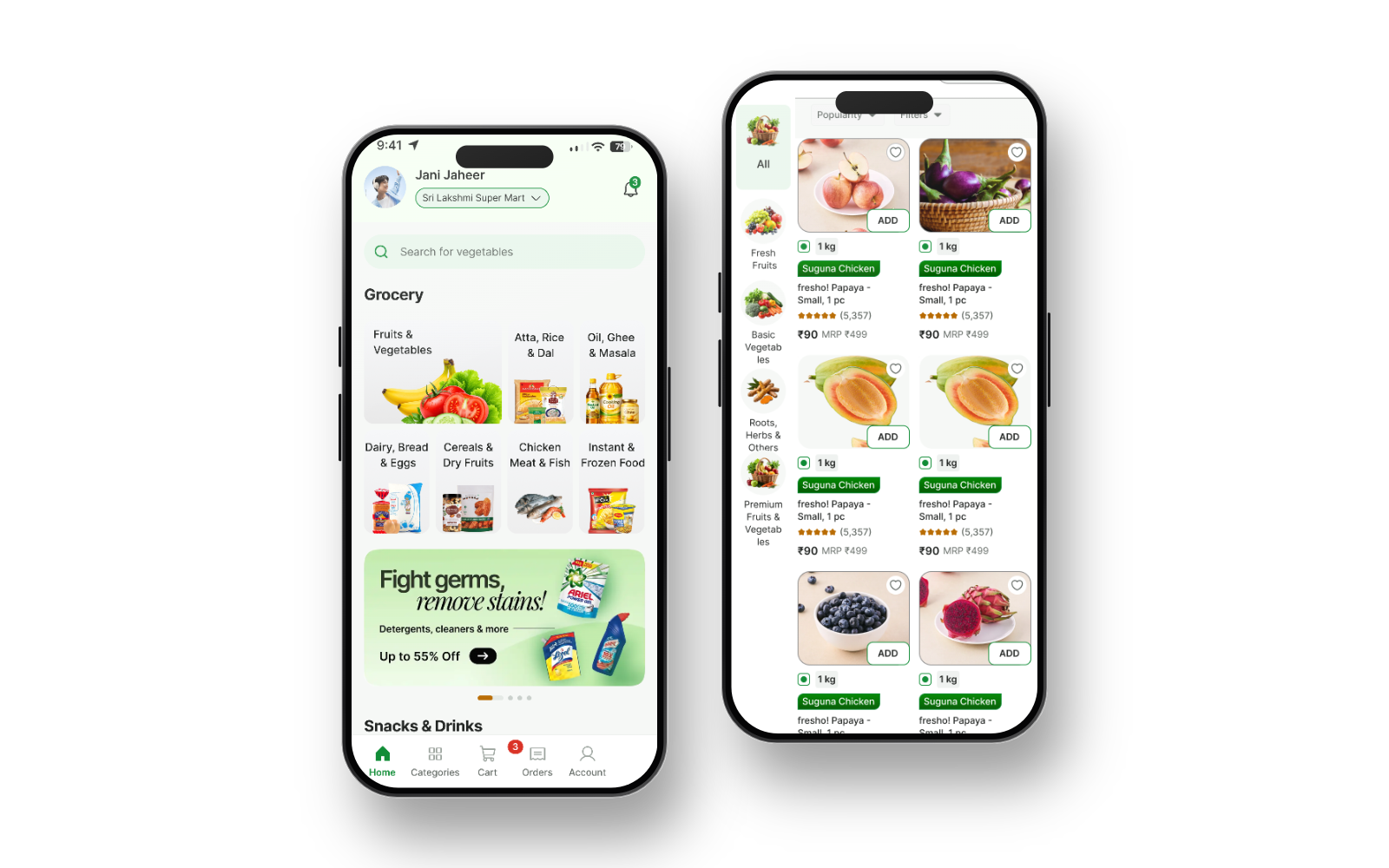
One platform. Three ordering channels.
Give customers the flexibility to connect with their favourite neighbourhood stores through multiple ordering channels.
WhatsApp Ordering
Your customers already use WhatsApp. Give them a convenient way to contact your store, enquire about products, check availability and place orders through your enabled WhatsApp ordering process.
- Connect with customers through WhatsApp.
- Respond to product enquiries.
- Receive order requests through the supported workflow.
App Ordering
Bring your store to customers through the Kwik Kart App. Customers can discover participating stores, browse products and place orders wherever app ordering is available.
- Make your store accessible digitally.
- Help customers browse your products.
- Provide a convenient app-based ordering experience.
Web Ordering
Let customers browse participating stores and order through the web. Customers can shop without needing to use an app, wherever web ordering is available.
- Provide another convenient way to shop.
- Reach customers through a web-based experience.
- Make local shopping more accessible.
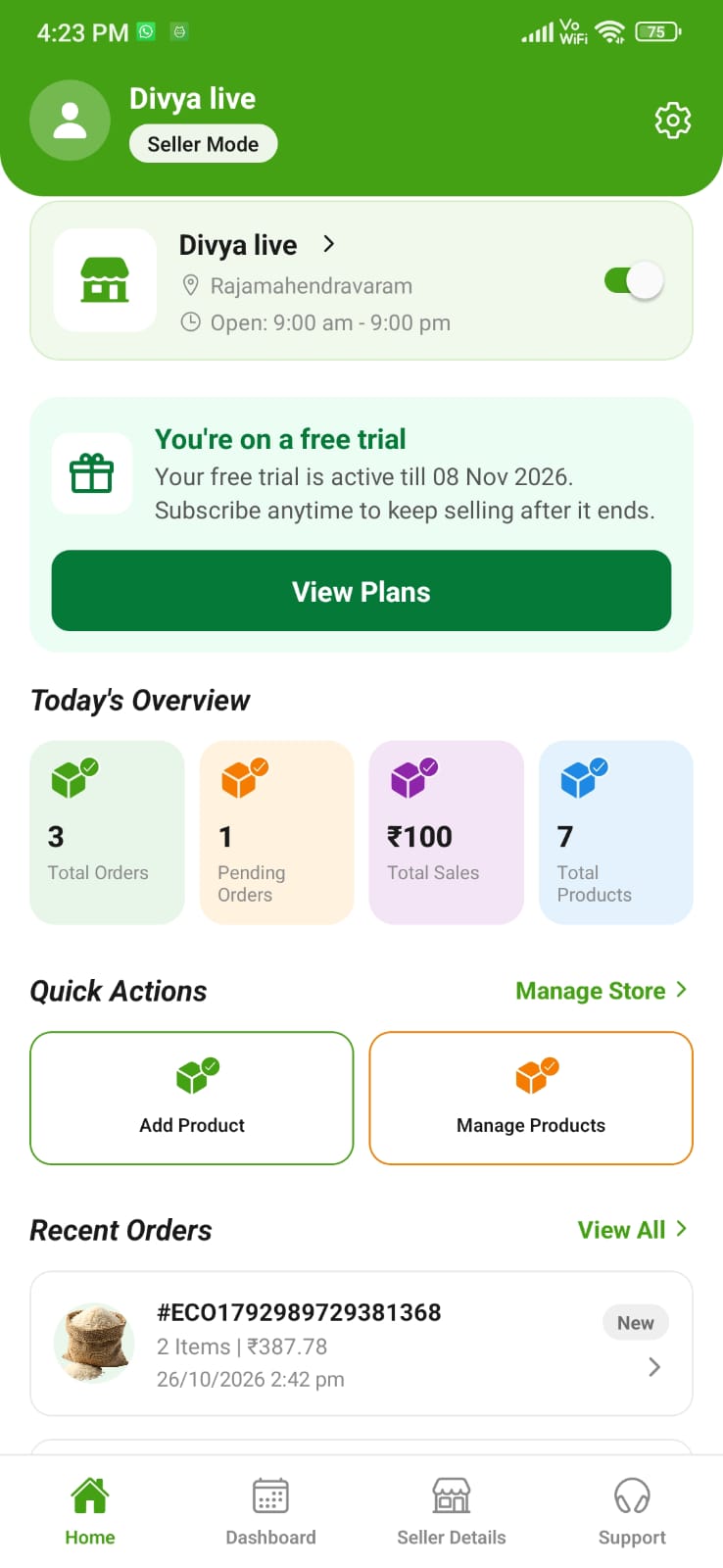
One dashboard. Multiple ordering channels.
Manage your store's digital operations through the Kwik Kart Seller Dashboard.
- Manage product details and prices.
- Update stock and product availability.
- Review incoming orders.
- Track order progress using available features.
- Manage store information.
Orders from WhatsApp, App and Web can be managed through one dashboard where the relevant integrations and workflows are enabled.
Your Store. Your Business. Powered by Kwik Kart.
Kwik Kart provides technology to help neighbourhood retailers take their businesses online and connect with more customers.
- Reach More Customers. Make your store accessible through supported digital ordering channels.
- Multiple Ways to Receive Orders. Allow customers to connect with your store through WhatsApp, App and Web, wherever enabled.
- Digital Storefront. Build your store's online presence without having to develop your own technology platform.
- Product and Stock Management. Manage product information, prices and availability using the available platform tools.
- Order Management. Review and manage incoming orders through the Seller Dashboard.
- Stay Independent. Continue operating your own store, managing your products and making your business decisions.
- Simple Retail Technology. Use digital tools designed to support the everyday needs of neighbourhood retailers.
Technology for everyday retail
Kwik Kart is designed to support independent retailers across a range of neighbourhood shopping categories.
- Kirana Stores
- Supermarkets
- Fruit and Vegetable Shops
- Dairy and Bakery Stores
- Medical and Pharmacy Stores
- Hardware Shops
- Electrical Stores
- Stationery and Bookshops
- Pet Supplies Stores
- Home and Kitchen Stores
- Other Local Retailers
Store categories and service availability may depend on location, onboarding requirements and applicable rules.
Simple technology. Local business.
For Store Owners
- 1Register Your Store. Submit your store details and complete the onboarding process.
- 2Set Up Your Store. Create your store profile and add product information, prices and stock details.
- 3Enable Ordering Channels. Use the ordering channels available to your store: WhatsApp, App and/or Web.
- 4Manage Orders. Review customer orders and requests through the supported workflows.
- 5Fulfil Orders. Confirm product availability, accept orders, prepare products and arrange fulfilment.
For Customers
- 1Choose a Store. Discover participating neighbourhood retailers through available Kwik Kart channels.
- 2Choose How to Order. Use WhatsApp, the Kwik Kart App or the Web wherever available.
- 3Browse and Enquire. Explore products or contact the store to check availability.
- 4Confirm Your Order. Confirm quantities, final prices and other order details with the store as applicable.
- 5Receive Your Order. The store or applicable fulfilment provider arranges delivery or collection.
The store, kwik to your door.
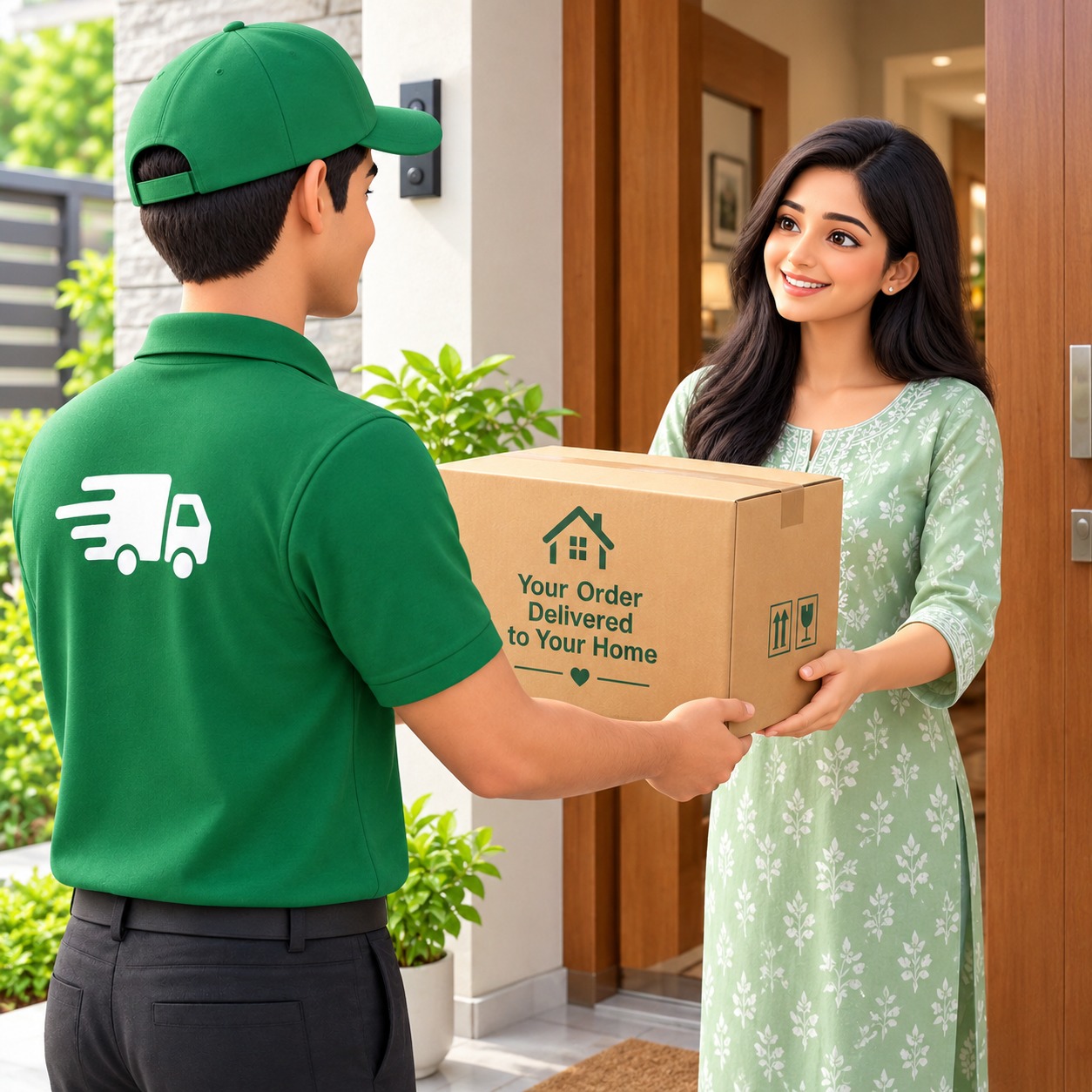
Once an order is confirmed, the store or its fulfilment provider arranges delivery or collection, depending on what the store offers.
Empowering Local Retailers with Technology
Neighbourhood retailers play an important role in everyday life. Kwik Kart helps these businesses embrace digital commerce through practical technology. Our platform is designed to help retailers manage their digital store presence and connect with customers through WhatsApp, App and Web ordering channels where enabled. We believe local retailers should be able to use digital technology without having to build and maintain their own e-commerce platform.
Your neighbourhood store. Your choice.
Kwik Kart helps customers connect with participating local retailers through convenient digital channels.
- Choose How You Order. Use WhatsApp, the Kwik Kart App or the Web wherever the relevant option is available.
- Shop Local. Discover and connect with neighbourhood stores.
- Convenient Product Browsing. Browse available products through supported digital shopping channels.
- Check Product Availability. Contact the store to enquire about products and stock before confirming an order.
- A Familiar Shopping Experience. Choose the ordering channel that best suits your needs.
- Stay Connected to Local Stores. Continue shopping with neighbourhood retailers through digital technology.
Frequently asked questions
What is Kwik Kart?
Kwik Kart is a technology platform that helps neighbourhood retailers manage their digital store operations and connect with customers through supported ordering channels.
Is Kwik Kart a retailer?
Kwik Kart provides the technology platform. Participating retailers operate their own stores and remain responsible for their products, pricing, inventory and fulfilment, subject to applicable agreements and law.
How can customers place orders?
Customers can use WhatsApp, the Kwik Kart App or the Web wherever the relevant ordering channel is available.
Can sellers receive orders through all three channels?
The platform is designed to support WhatsApp, App and Web ordering. Availability depends on the channels enabled for each store.
What is the Seller Dashboard?
It is the platform workspace that helps participating sellers manage product details, prices, stock and orders through the available features.
Will orders from all channels appear in one dashboard?
Orders can be consolidated where the relevant channel integrations and workflows have been implemented and enabled.
Who sets product prices?
The participating retailer sets its product prices and is responsible for keeping product and stock information accurate.
Who prepares and fulfils orders?
The participating retailer is responsible for accepting and preparing orders. Delivery or collection is arranged under the applicable fulfilment arrangement.
Who can register with Kwik Kart?
Independent neighbourhood retailers in supported categories and service areas may register, subject to onboarding requirements.
How can I get started?
Retailers can register their stores and complete the onboarding process.
Clear policies, every step of the way
From how orders are fulfilled to how refunds work, our policies are published for customers and retailers alike.
Let's bring your store online.
Interested in using Kwik Kart for your local retail business? Contact our team to learn more about store registration, platform features and available ordering channels.
Phone
Registered Office
AGI Technologies, Level 6, Awfis, N-Heights, Plot No 38, Phase 2, Hitec City, Madhapur, Hyderabad, Telangana 500081